Welcome to EPOCH
Welcome, leader of a fledgling civilization. In EPOCH you start in Antiquity and lead your empire through five eras, from primitive villages to powerful modern nations. Gather resources, build cities, research technologies, and lead armies in epic conflicts.
Players: 2-6
Duration: 90-240 minutes
Objective of the game
The player who first completes the fifth era (the Modern Era) and controls the majority of the board wins the game. Power can be measured in three ways:
- Completing all technologies
- Control over the largest number of tiles
- Decisive military superiority
How to play
Below is a concise guide with the main steps and actions.
-
Starting a session
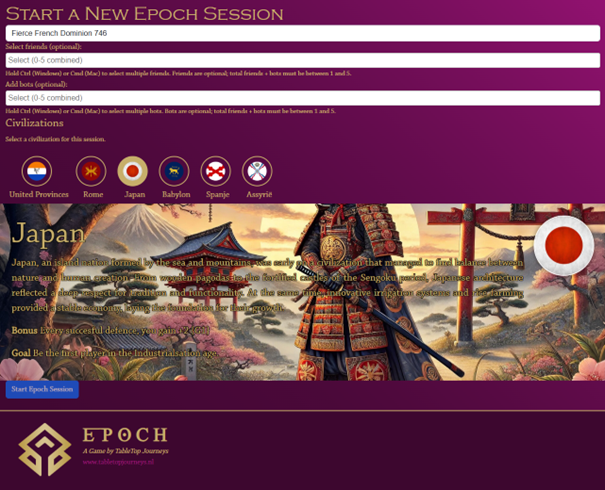
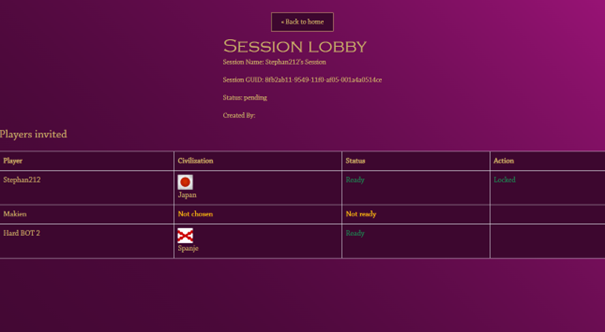
In the main menu go to New Game. Here you can select friends to play with and/or add bot players to the session. Select your civilization and click Start Epoch Session to open the lobby.
All players must accept and choose a civilization. If at least 2 players have accepted, the session will start (players can also decline).
-
The first turn
In the first turn all tiles are still face down. At the top of the screen you see buttons for technological progress, the action log, ending your turn and returning to the main menu. On the left is an overlay with the current turn and which players are still in the game. For each player the current era, numbers of armies and units are shown. At the bottom of the screen you see the resources bar.
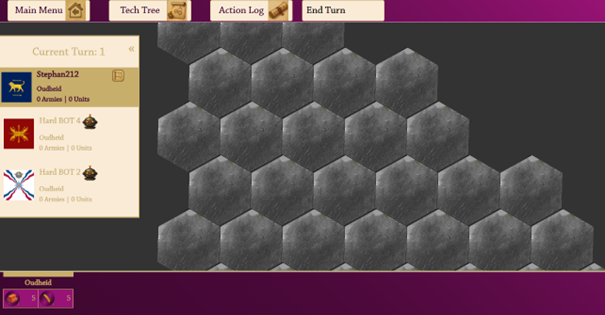
Select a tile where your Epoch begins. By clicking on a tile, you open the tile overlay.
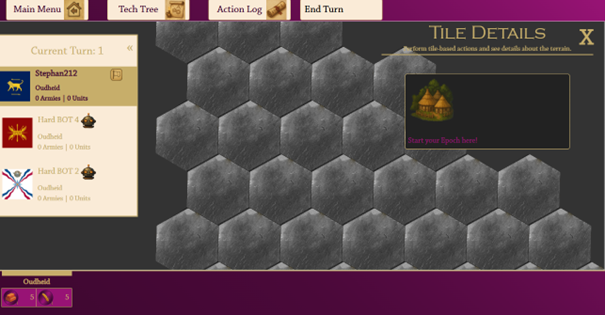
Click on Start to place your first settlement. A starting army will automatically be placed on the same tile.
After placing your building, you can optionally develop a technology or end your turn.
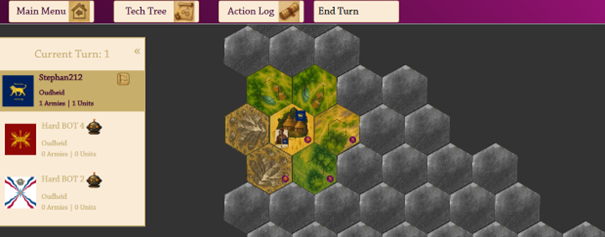
-
Subsequent Turns
Once every player has placed their first settlement and army, the game truly begins. Each turn, resources are automatically gathered from tiles directly surrounding your civil settlements. As a player, you can take the following actions:
- Moving an army (move, merge, split, attack)
- Building / upgrading a building
- Researching a technology
- Converting resources (after unlocking trade market)
1. Moving an army
Click on the tile with the army you want to move to open the tile details.
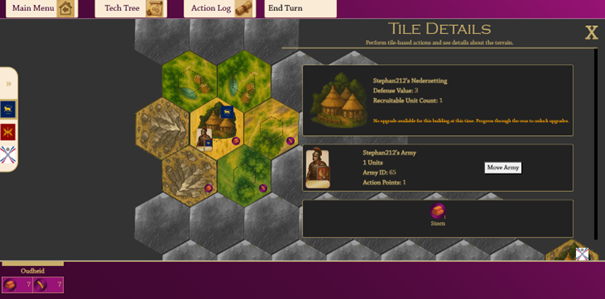
There you will find the button Move army. Enter how many armies you want to move to which tile and then click on the target tile.
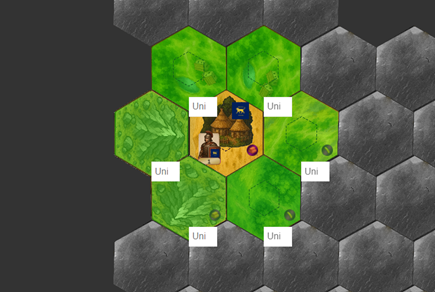
The unit will move and the tiles surrounding the unit will show Line of Sight. This Line of Sight remains visible even after the unit has left.
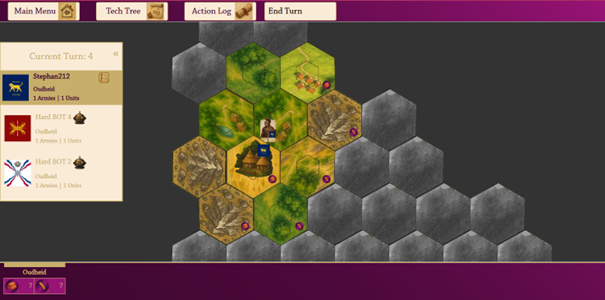
2. Placing a building
A land unit can build a building on a tile without an existing building. There are two types of buildings: a civil settlement and a military camp. A settlement gathers resources from directly surrounding tiles; a camp can recruit new units.
Note: If a tile is influenced by two civil buildings of the same player, that tile only pays out once for that player. Yields do not stack.
If your unit is on a tile without a building and you click on that tile, the building options will be displayed. Building costs resources and some buildings or upgrades require technological advancement.
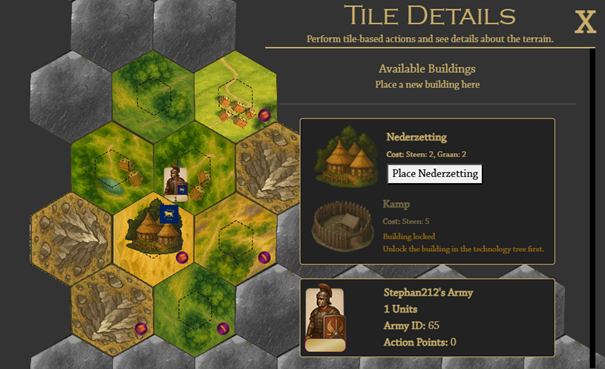
3. Technological advancement
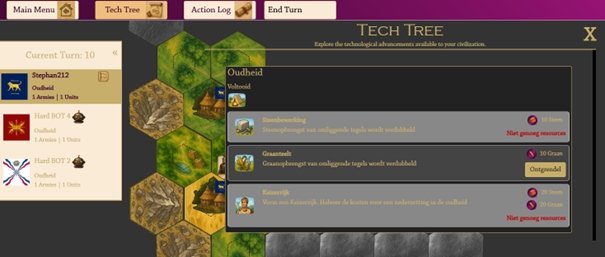
By developing technologies, you can advance to the next era and unlock important features. Go to Tech Tree in the main menu to view and unlock available technologies.
You will automatically advance to the next era as soon as you have unlocked all technologies from the current era.